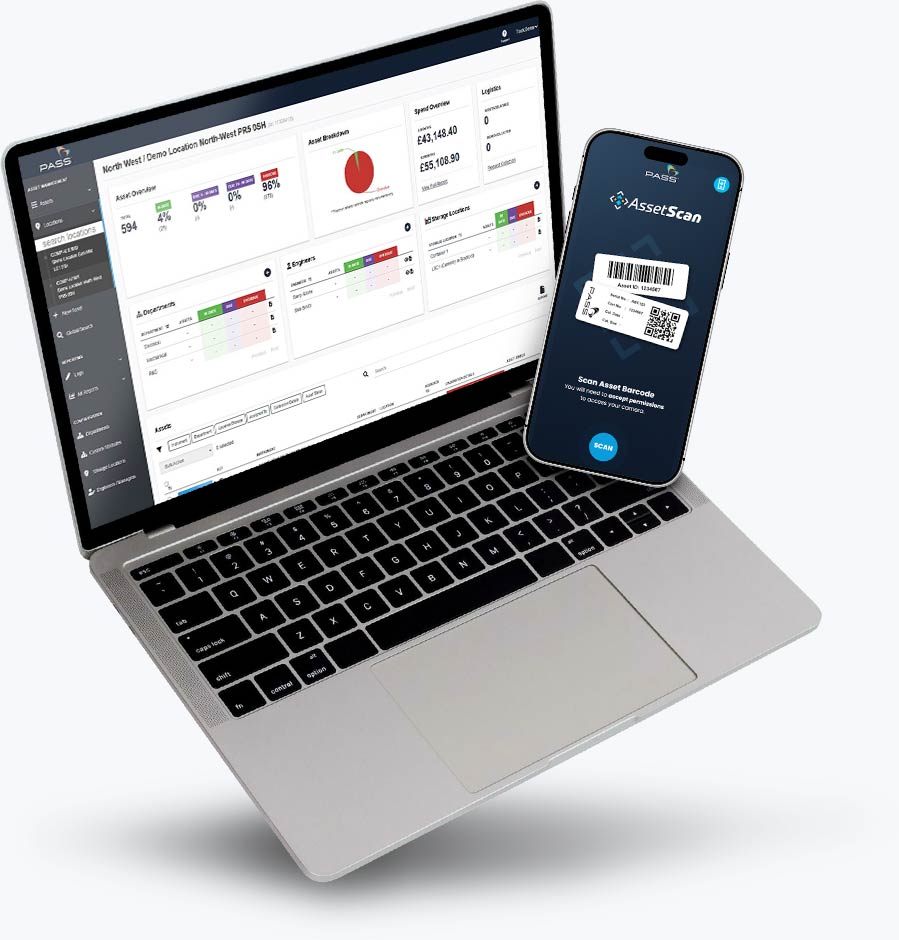


Smarter asset management starts with a scan
Grab your instrument and scan your PASS calibration barcode. No sign-up required.


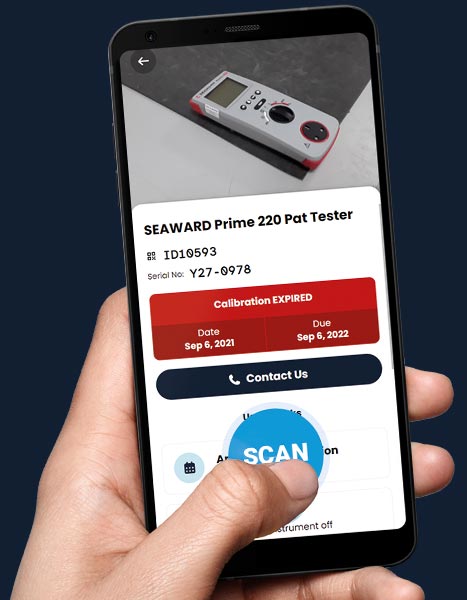
SCAN. CHECK. STAY ON TRACK.
How Does it Work?
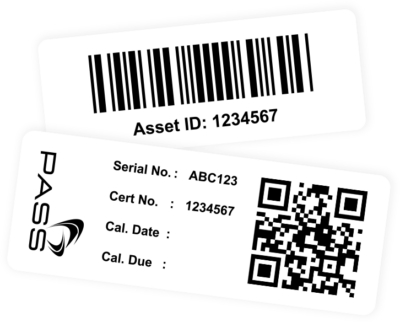
1. Find the Calibration Label on Your Asset
If we’ve calibrated your instrument, look for our calibration label. This will include either a QR code or barcode.
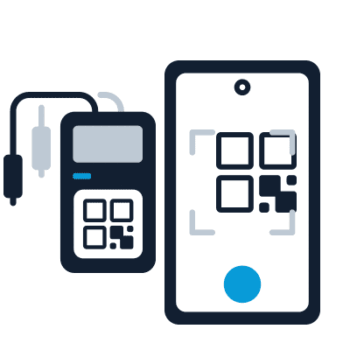
2. Open AssetScan on Your Mobile
Click the AssetScan link using your mobile device and scan your asset. No download or installation required.
3. Instantly See Asset Details and Calibration Status
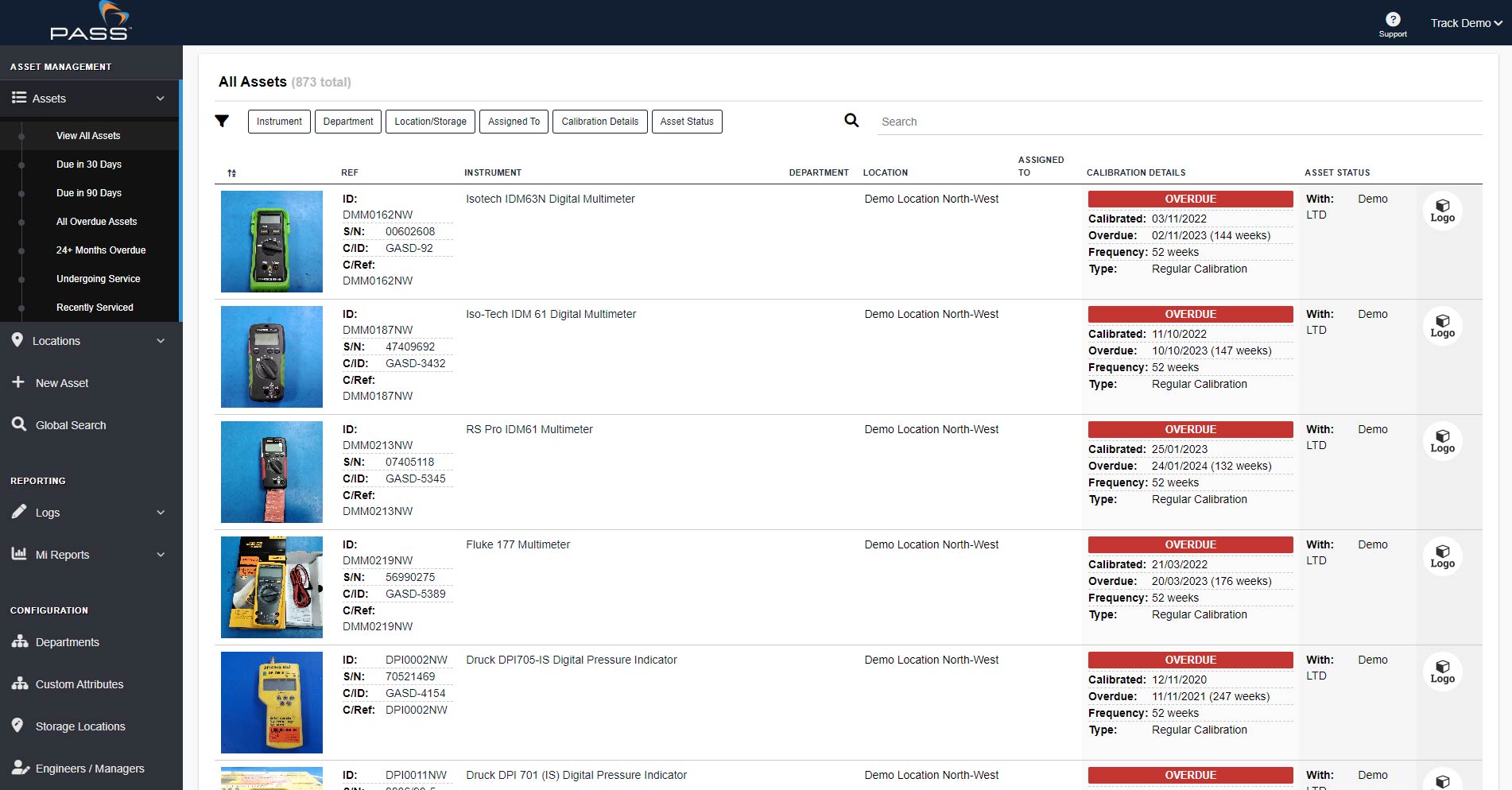
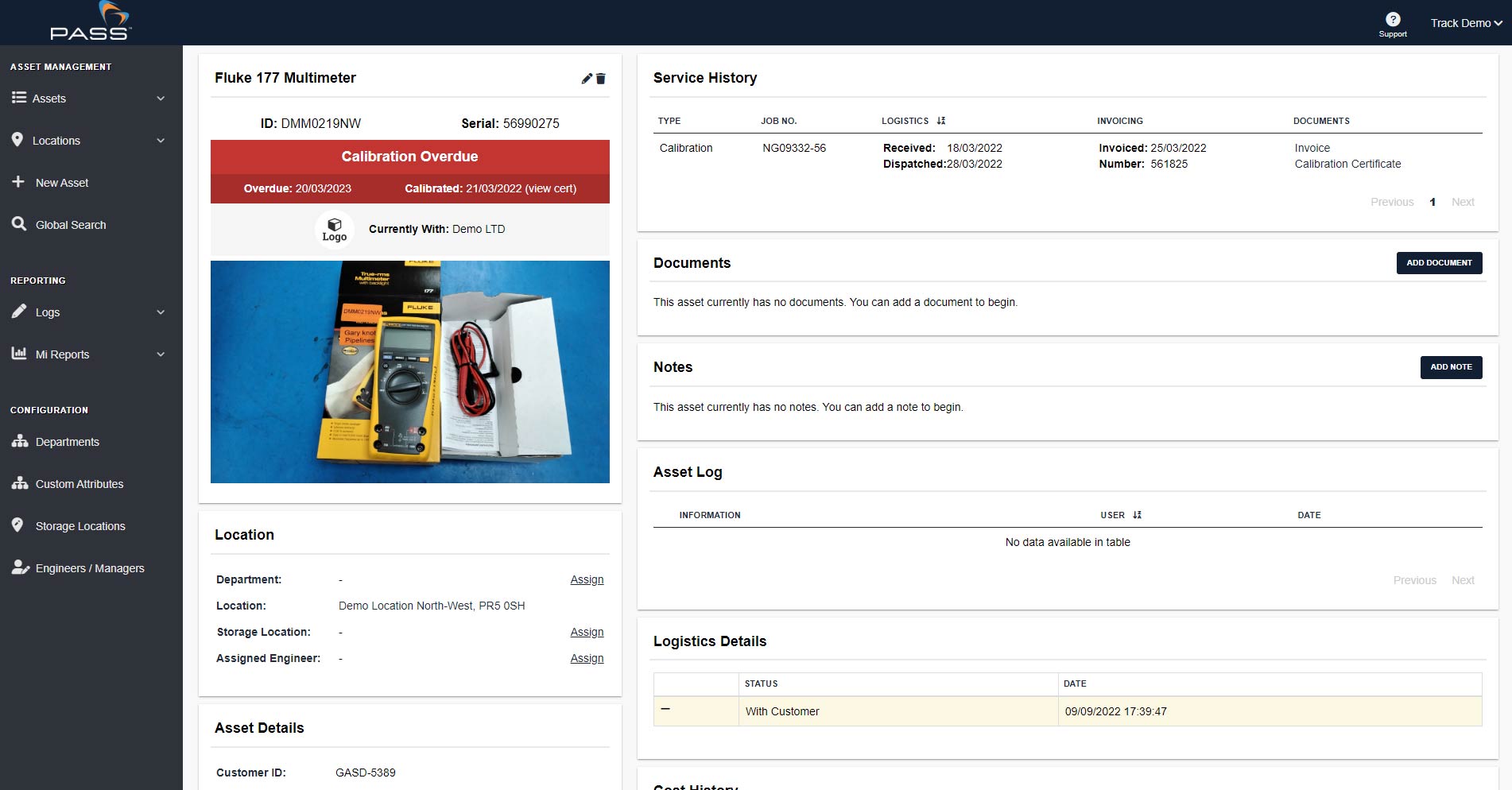
Find out whether your asset is in calibration, when it was last calibrated, and when its next calibration is due. Quickly arrange your next calibration when needed.
NO SIGN UP. NO COST.
Let's Get Started
SMARTER ASSET MANAGEMENT
Calibration Made Easy
Know What’s Due
Scan any instrument calibrated by us to quickly see its calibration status, when it was calibrated, and when its next calibration is due.
Check Anywhere
Access your instrument’s calibration status wherever you are, using your mobile device. Quickly check what you need, wherever you are.
Get Booked In
Need a calibration? Quickly access your asset’s details and arrange its next calibration, helping you get back to work sooner.
MANAGE OVER 100 ASSETS?
One portal.
Every asset.
Total control.
Complete visibility across every asset, site and team in your business.
View Asset Portal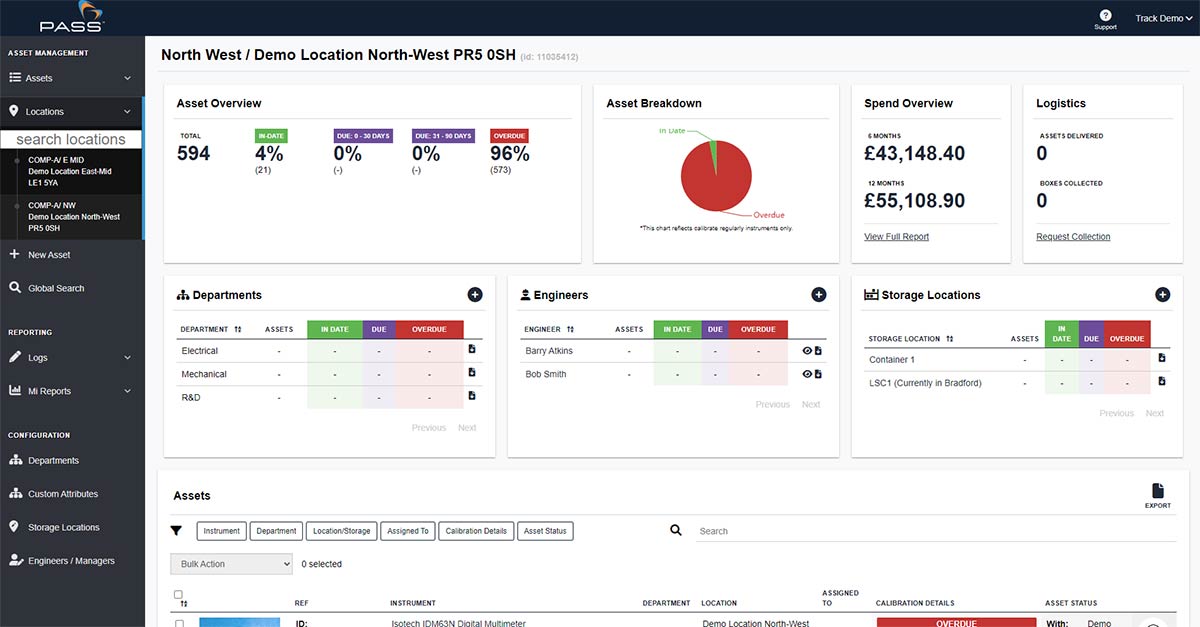
TRIED & TRUSTED
As Used By